


Starter
US$0
during the beta · monthly allowances
- 1 brand
- 2 campaigns per month
- 20 image credits
- 60 AI assists
- 20 iterations
- Video requires extra credits
From a link to your identity. From an idea to images, videos and campaigns. Create with your brand DNA, choose a layout and make it your own.
Your logo, colors and voice deserve more than a one-off prompt. Bring your identity into Polyvik and use it as the starting point for your next creation.
Choose what you want to communicate, define what the piece should say and explore compositions. AI helps you produce; you direct and review the result.
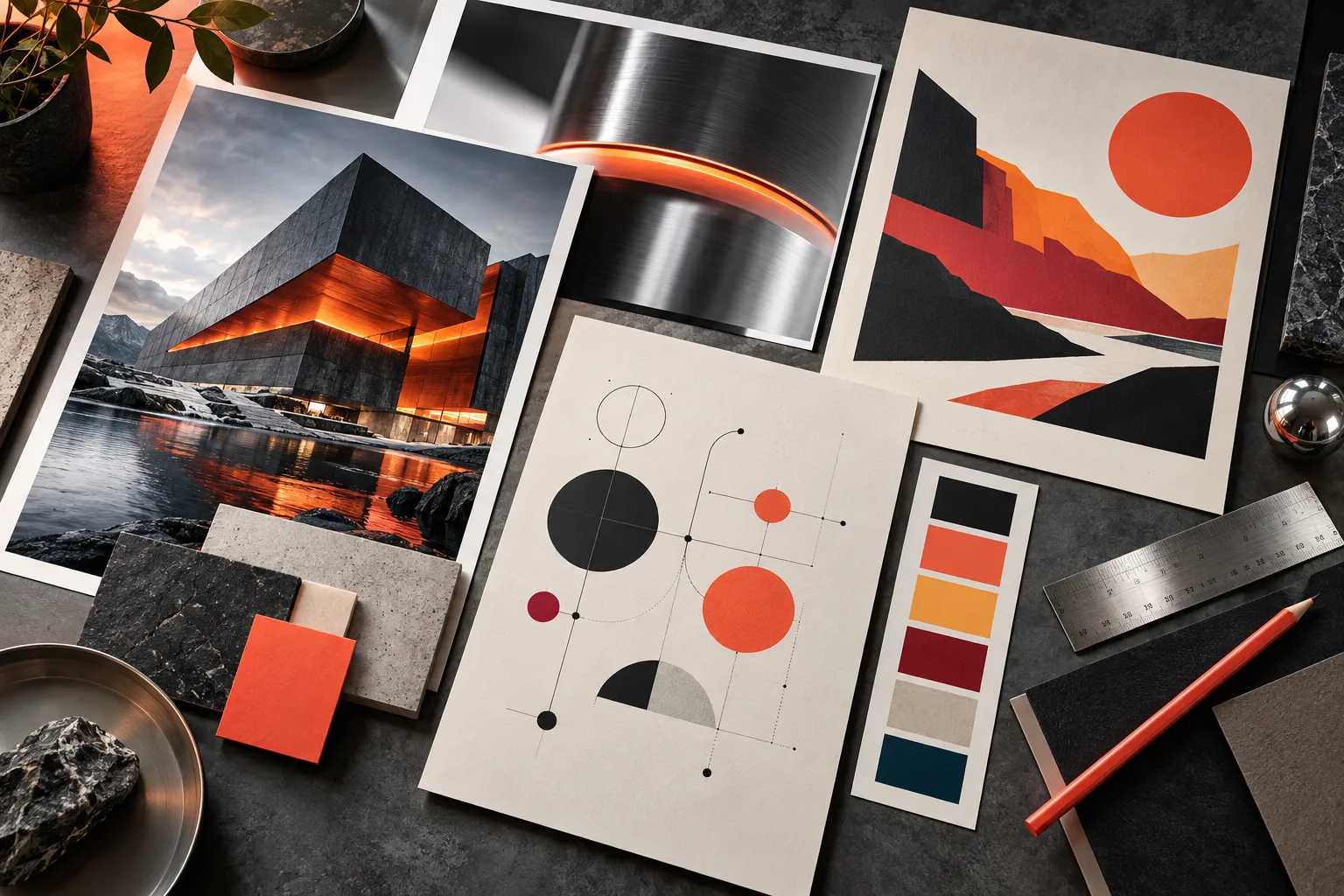
Start with the brand wizard or paste your website. AI analyzes its content and design to propose an identity you can review before creating.
 Illustrative preview
  Image · 4:5
  Image · 1:1
  Video · 9:16
 AI proposes. You decide what represents your brand.
You approveBrand DNA, feed and creations in one place. Illustrative preview.
Your identity follows the creation.
Website analysis looks for colors, typography, gradients and imagery to capture its look and feel. Review the proposal, add your references and upload your original logo to include it in images.
Try a first image during onboarding. Later, reopen the image studio from Brand to refine it, change the copy or choose another layout.
AI proposes. You decide what represents your brand.
Copy fields adapt to the publication type. AI assistance considers your brand, layout and format; edit its proposal before generating. If text review flags uncertainty, the piece stays available to inspect and refine.

Product photography, editorial scenes, illustrations and educational visuals. Create freely, use a publication guide or explore scenes in Product shoot.

Cinematic scenes, product motion or an image brought to life. Create in the video workspace, or choose camera movements in Product video.

Combine a character, your product and a message. Review the first frames before producing the takes.

Explore hooks and compositions from a product and a message, with results collected in one workflow.
Your content has a place to come back to.
Feed and Library bring your creations and references together. Campaigns let you prepare pieces and organize their calendar with your brand context.
Today you can create, review, download and keep working on your pieces. LinkedIn is the available publishing integration; download content for other channels.
24 brand categories and 12 content lines help you find a starting point. Each type asks for the facts and copy it needs; the layout defines the composition, and your DNA keeps the visual direction.
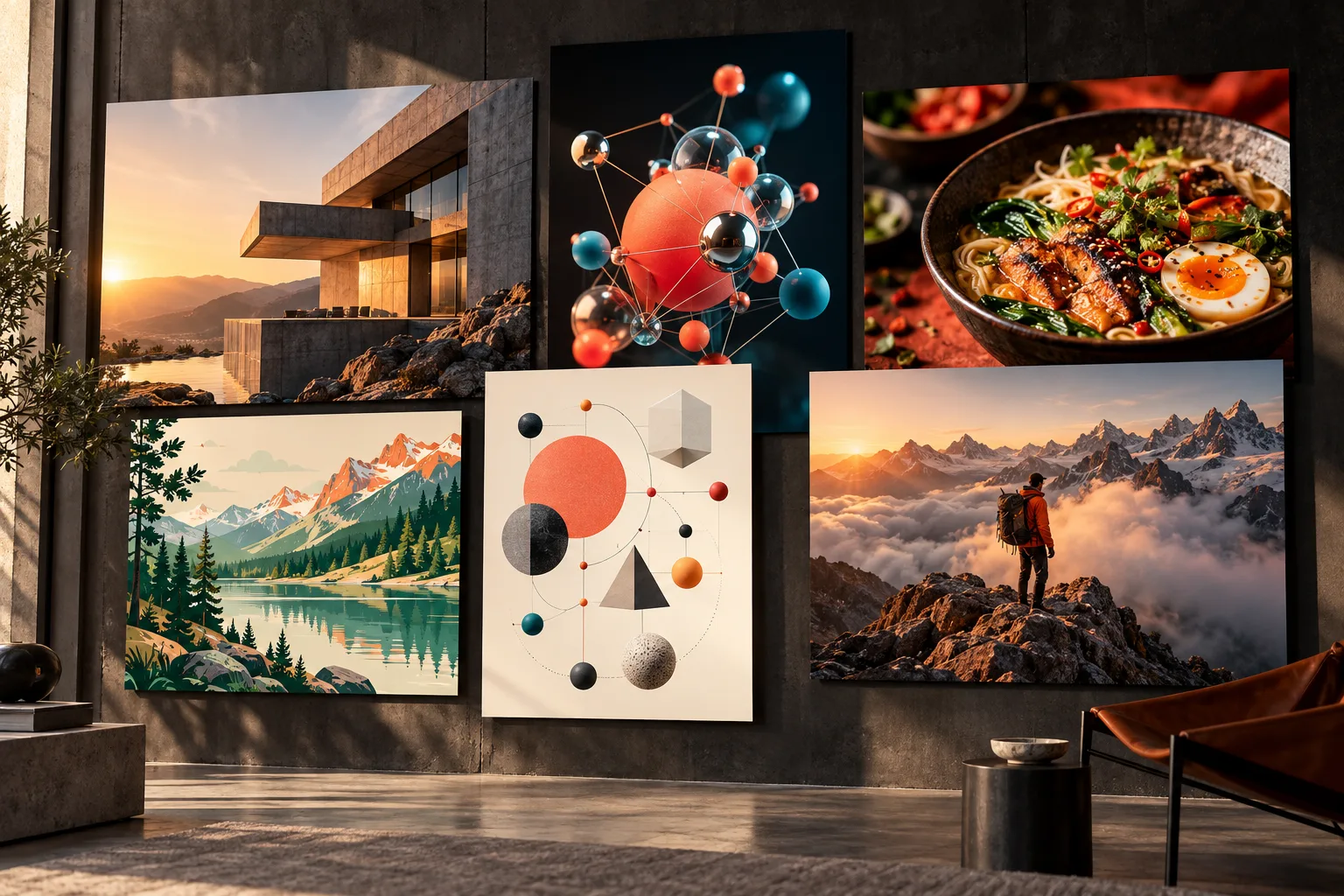
Recommendations guide you without limiting you. Explore every type or create freely. This catalog is designed for single-image pieces.
During the beta, these plans are available without online payment. Each has its own monthly allowance; generation is not unlimited.
during the beta · monthly allowances
during the beta · monthly allowances
during the beta · monthly allowances
Free lets you set up one brand manually and explore the platform, without AI generation. Choose Starter, Growth or Agency to try creation within the beta allowances.
Images, AI assists, iterations and video have separate allowances. Check usage in your plan; video credits do not equal a fixed number of clips.
Connect supported providers in AI settings. In the current beta, your keys also consume plan credits; the provider may charge separately for usage.
Blog and events depend on features enabled for each brand. Publishing to other channels and online billing are still in development.
Need more capacity or an Enterprise plan? Talk to us ↗
Save your brand context and review it while creating, without pasting it into every idea.
AI proposes copy for the purpose of the piece and the capacity of its composition. You confirm the facts and edit the proposal.
Create an image, use it as a video reference and continue in the Editor. Your results stay associated with the brand.
Guides provide structure without closing off possibilities. Switch types, choose another layout or start with a free prompt.
A shared identity. Many ways to express it. Polyvik brings context and tools together so your creations start from the same place.
For small teams, creators and agencies who want to make more content with clear brand direction.
Create an account, choose a plan and set up at least one brand in the wizard. Paste your website link for an AI identity proposal, review it and try your first image.
Starter, Growth and Agency are available at US$0 during the beta, with the monthly allowances shown. Free does not include AI generation. Current catalog and conditions appear at signup and in your plan.
Yes. Analyze your website, upload your original logo and add references, palette and voice. The AI proposal is editable; review the facts and look and feel before creating.
Images and videos, characters, product shoots, product videos, ad variations and UGC with your character. You can also organize pieces in campaigns and work with Feed, Library, Canvas and Editor.
A type defines what the piece communicates and the facts and copy it needs. A layout defines where that content goes. Both work with your brand DNA; explore 80 types or create freely.
Yes. Edit copy before generating and request variations or changes to an image. AI adapts proposals to the publication type, layout and format; always review the final text before publishing.
LinkedIn is the available publishing integration. For other channels, download your content and publish it yourself. We do not offer general automatic publishing across all social networks.
Yes. Connect supported providers in AI settings. In the current beta, plan credits are also deducted and the provider may charge for your key usage. Model availability depends on the provider.
Yes. Starter supports one brand, Growth up to three and Agency up to five. Each brand has its own identity, references and creations. Contact us about an Enterprise plan for other needs.
No. Access depends on the features enabled for each brand. This landing focuses on the available creative tools; check your account or ask the team to confirm access to additional modules.
Join the beta and try the tools. If you would rather explore them with us, tell us what you want to create and request a demo.
Rather email us? demo@polyvik.com